Edit Stunning, Scroll-Stopping Videos Right From Your Phone
People decide in the first few seconds whether to keep watching. If your video looks flat, sounds bad or drags, they scroll.
This course shows you how to edit videos that look professional and keep people watching — using just your smartphone.
Good content deserves an edit that makes people stop.
₦5,000 → Edit one paid client video and it has paid for itself
It’s not your camera. It’s your edit.
The videos that stop the scroll use the same few tricks: clean audio, good colour, bold captions, B-rolls, smooth transitions and the right sound effects.
You’ll learn every one of them — on your phone.
- Recording great content that looks dull after you post it
- Videos with bad sound, dull colours and no captions
- People scrolling past your videos in the first few seconds
- Paying someone else every time you need a video edited
- Thinking you need a laptop to edit like a pro
Videos that grab attention and hold it
Twelve short lessons, each one a skill you can use on your very next video.
What you’ll be able to do
All on your smartphone:
- Follow a simple editing flow — from raw clip to finished video
- Clean up your audio — so you sound clear and professional
- Colour grade and retouch — so your videos look polished
- Cut and trim — so your video never drags
- Add captions automatically — and style them so they pop
- Animate text and clips with keyframes
- Use B-rolls, transitions and sound effects to keep people watching
See every lesson
- Introduction
- The editing flow
- Audio editing
- Colour grading
- Retouching
- Splitting and trimming
- Auto captions
- Styling your captions
- Animation keyframes
- Pattern interrupts: B-rolls
- Adding transitions
- Sound effects
The kind of video you’ll learn to edit.
Edited on a smartphone. Tap to watch.
Sample video edit
Pattern interrupts: why people keep watching
Every few seconds, something changes on screen: a B-roll, a transition, a sound effect. It pulls attention back before the viewer scrolls. You’ll learn exactly how to use them.
Three steps. No waiting.
Pay ₦5,000
Secure your access.
Get instant access
Your course link arrives right after payment. No delay.
Start editing
Open your editor, follow along and finish your first scroll-stopping video.
You’ll join a private community of 5,000+ creators: ask questions, share wins, get unstuck.
₦5,000 once.
One payment. Full access. No laptop needed.
But here’s the truth:
If you edit one paid video for a client, it has paid for itself.
This isn’t an expense.
It’s a skill people pay for every day.
Every course comes with our content warranty: if what’s listed on the course page isn’t in the course, you get 100% of your money back. T&C apply.
Before you enrol.
Do I need a laptop?
I’ve never edited a video. Is it for me?
Can I edit for clients after this?
How do I get access?
Make them stop scrolling.
You already have a phone.
You already have content.
Now make it look as good as it really is.
Already a student? Your link is waiting in your dashboard.
Other courses
Digital Product Creation Course
Turn what you know into a digital product, from idea to ready-to-sell.
AI Automation & AI Agent Course
Build AI agents that handle inventory, leads, invoices and customer calls.
Landing Page Design Masterclass
Build your own landing pages, websites and apps: step by step, or with AI.
10 Days Challenge
Make AI movies, dramas and adverts on your phone in 10 days of live classes.
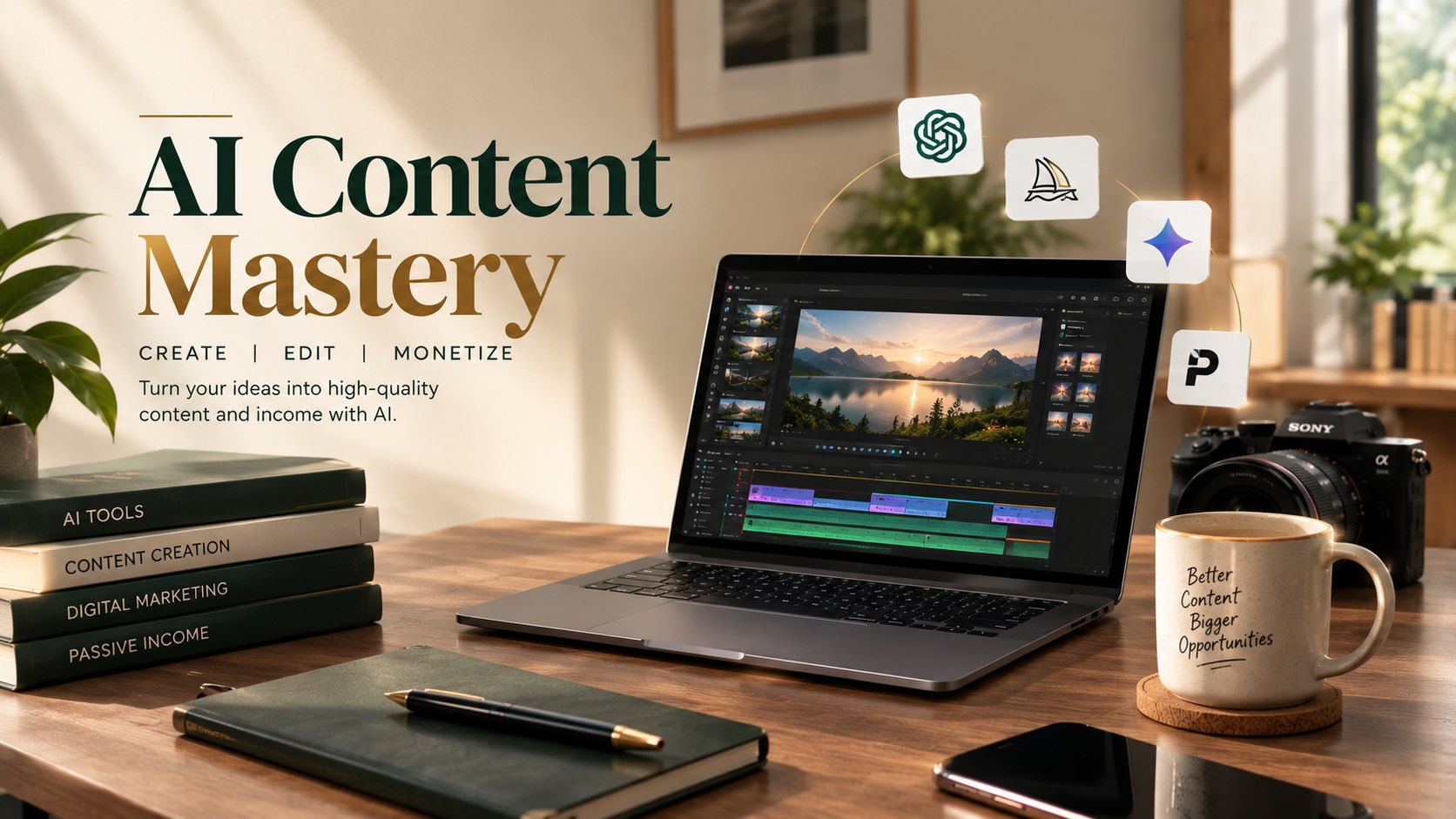
The AI Content Mastery
Create AI images, videos, music and voiceovers from your phone.
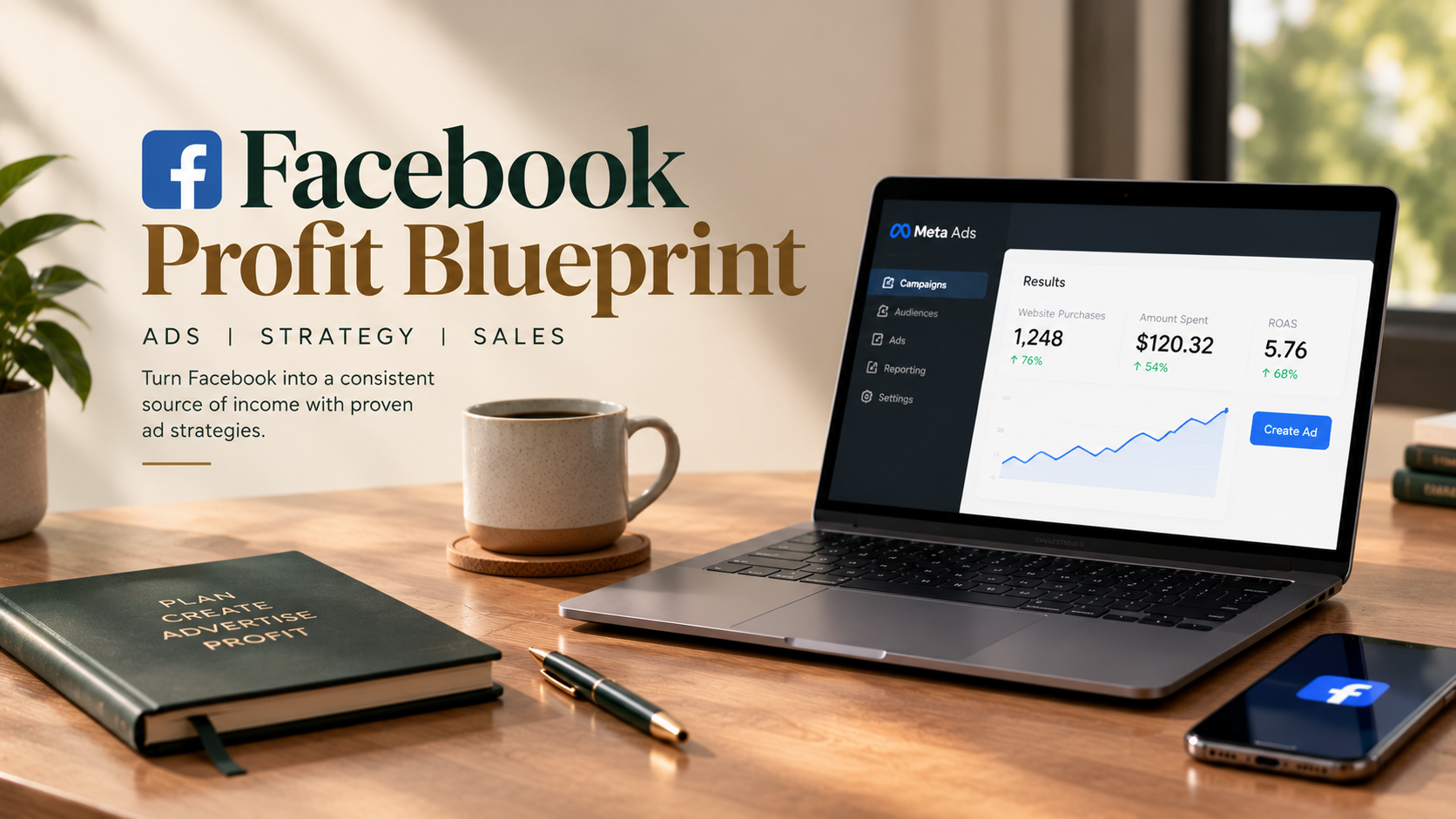
Facebook Profit Blueprint
Run Facebook ads that are set up properly, target the right people and don’t waste your budget.
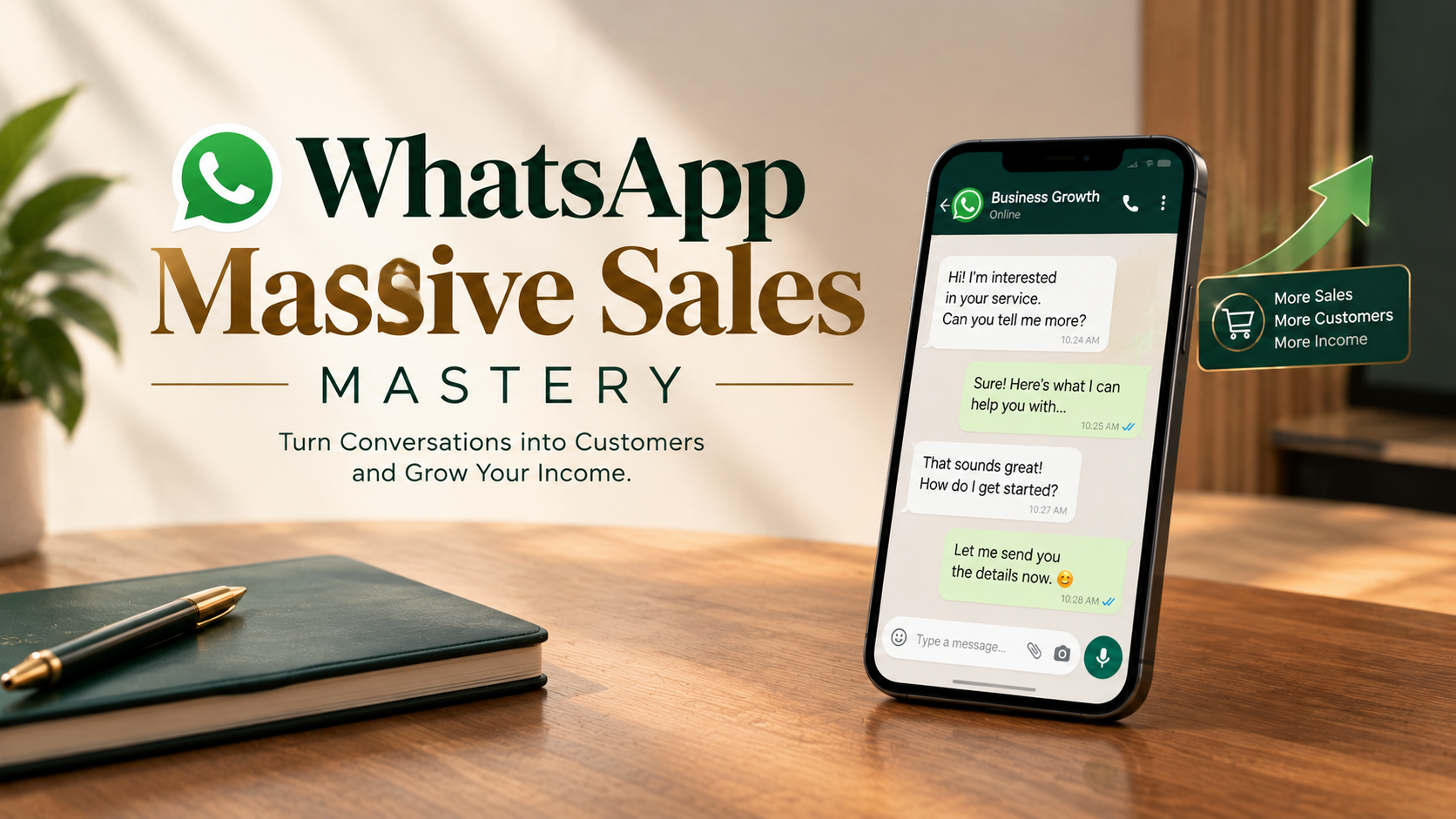
WhatsApp Massive Sales Mastery
Sell any product on WhatsApp, from your status, DMs, groups and broadcasts.
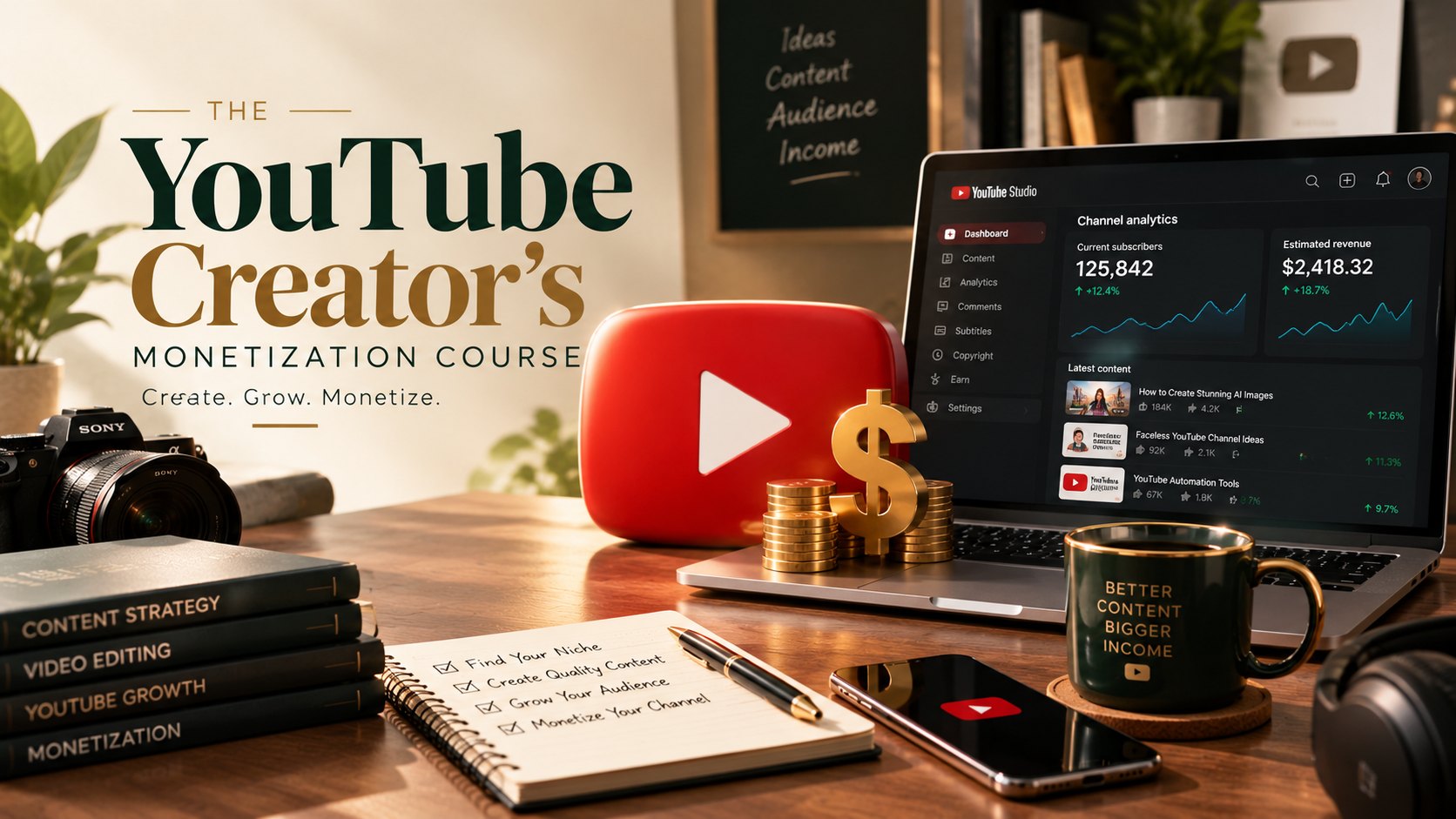
YouTube Creator's Monetization Course
Build a YouTube channel you can earn from, with or without showing your face.